
Legal teams
Many trademarks and scattered notices; renewals and responses depend on memory.
OCR reads official notices, updates trademark status and files them automatically — while brands, trademarks, copyright, domains, evidence and fees live in one system.
Illustrative interface; actual product may vary.
Legal, IP and brand teams work from the same records.
Many trademarks and scattered notices; renewals and responses depend on memory.
Need a brand-by-brand portfolio view to report to management.
Brand, trademark, copyright, domain and evidence records are spread across teams.
Every highlight maps to a real problem, a capability and a result.
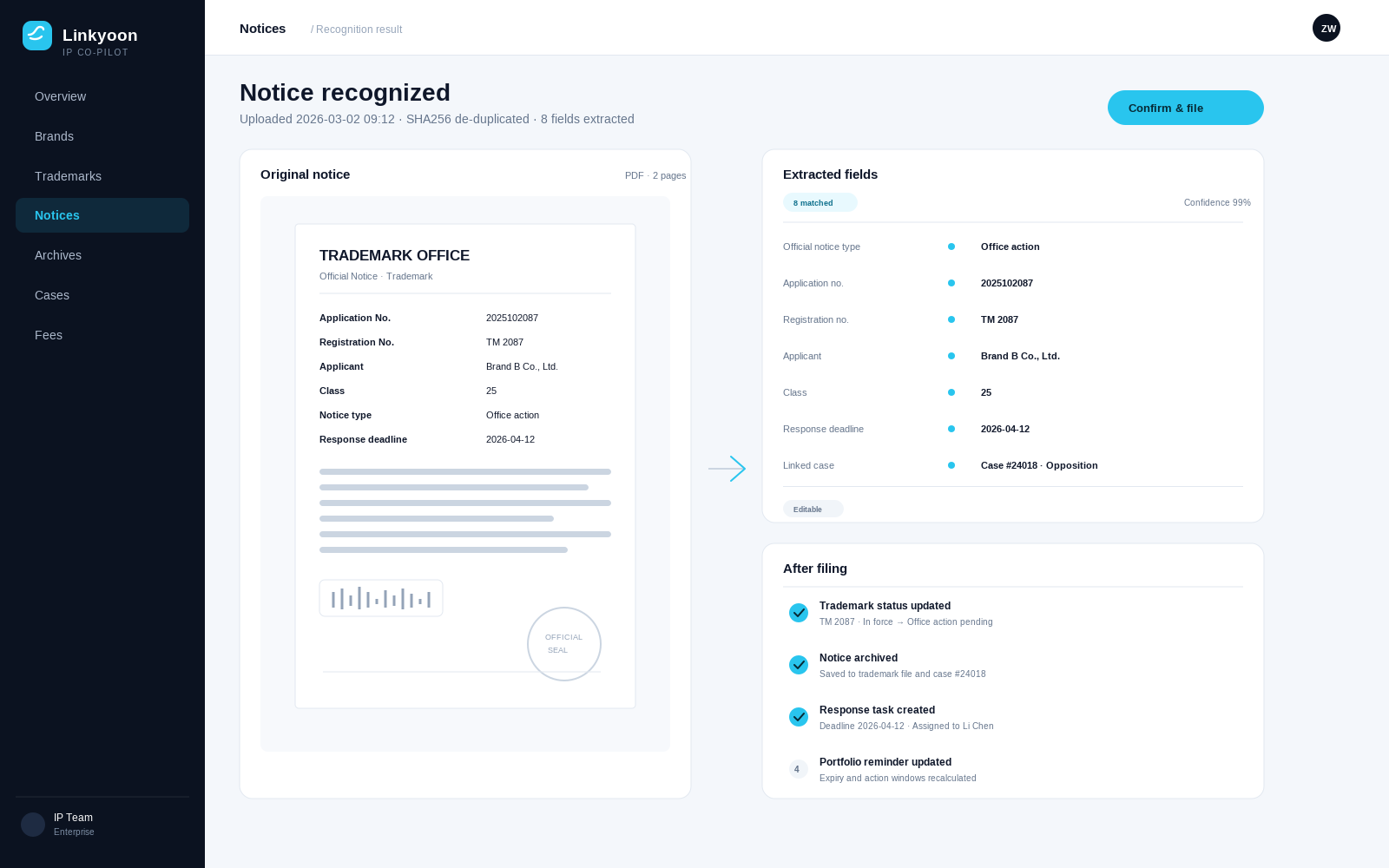
Notices are entered by hand, so trademark status lags behind.
Semantic analysis reads notices and updates trademark status, case results and archives automatically.
Less manual work, fewer misses and faster notice handling.
Illustrative interface
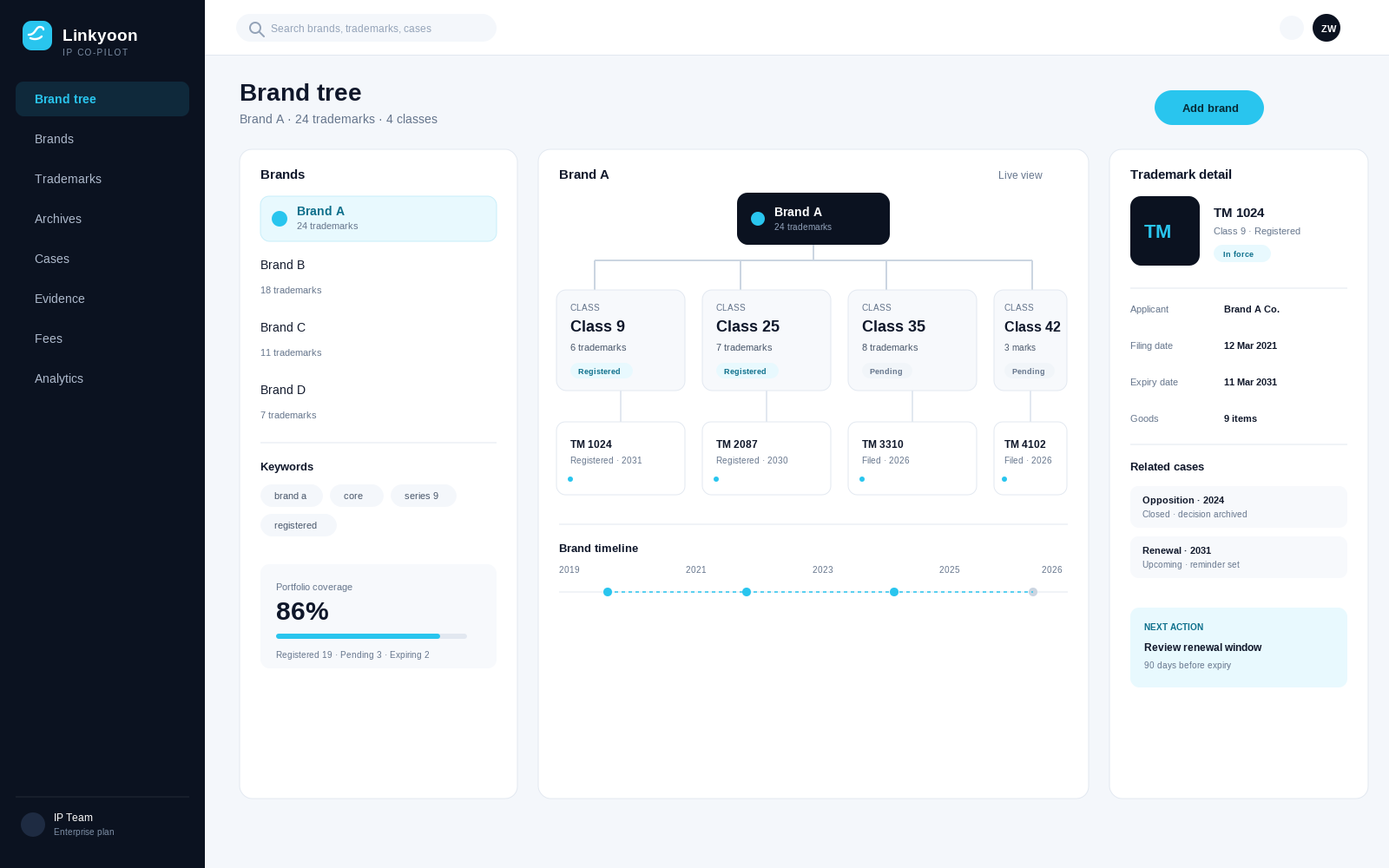
Brand strategy and trademark data do not line up, so the protection picture is unclear.
Define brand keywords, link trademarks automatically and generate a brand tree in one click.
See the portfolio by brand and report with visuals and data.
Illustrative interface
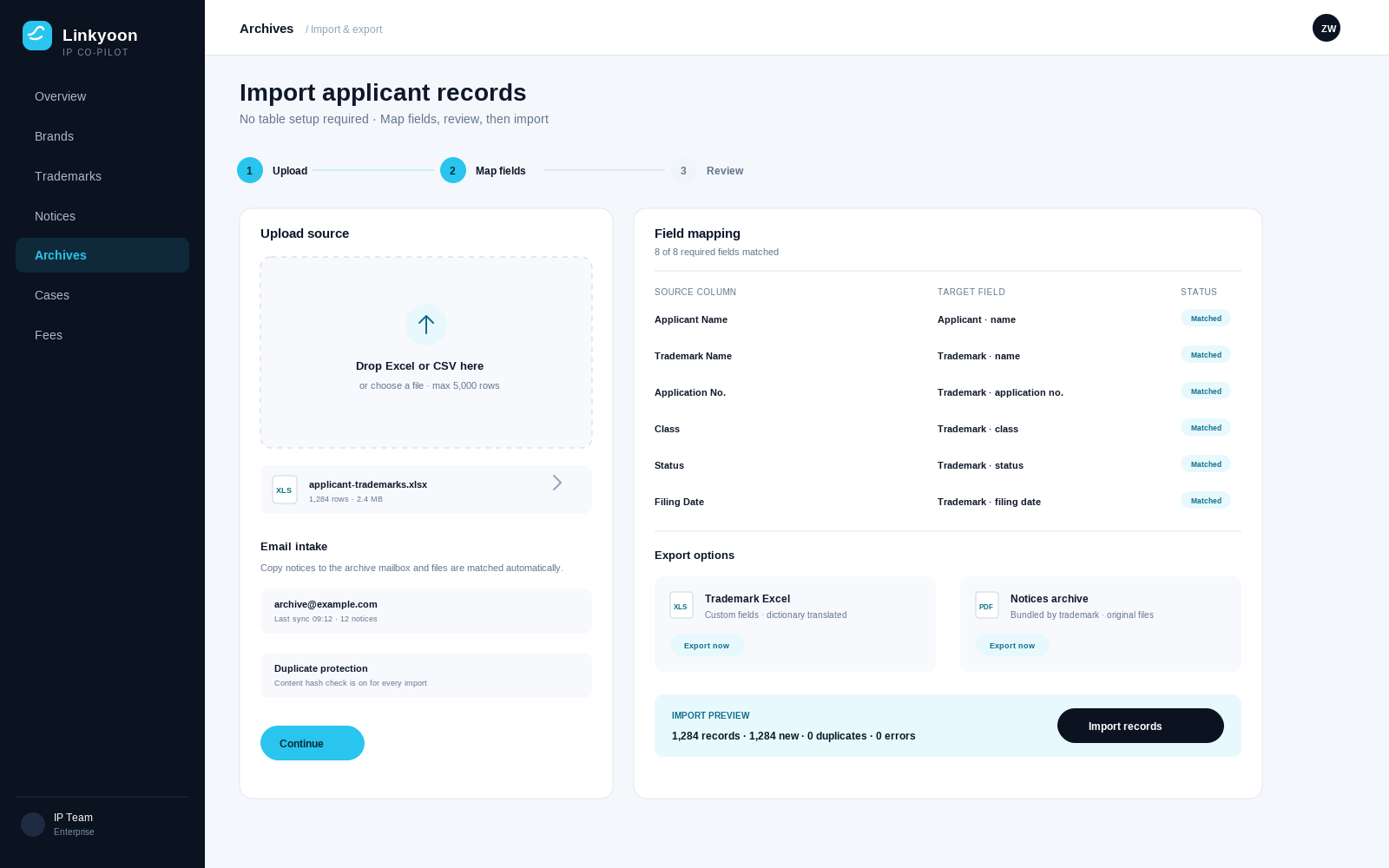
System setup usually means building tables and cleaning data.
Import applicant trademark data without building tables; bring notices in by email; export custom fields, Excel and notices.
Go live faster and get data out easily.
Illustrative interface
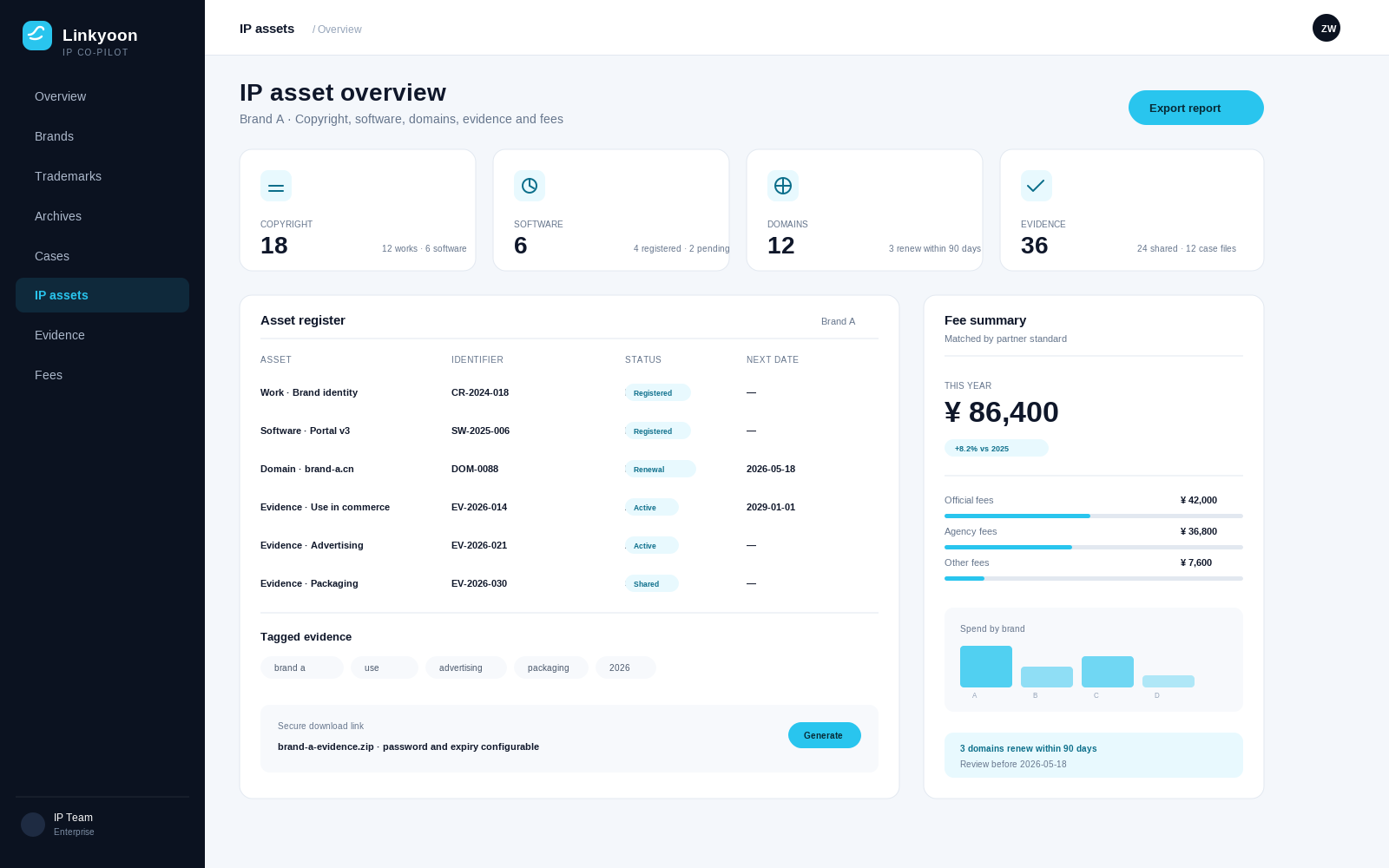
Works, software, domains, evidence and fees are managed in separate places.
Work and software records, domain management, tagged evidence and fee matching by partner standards.
Manage the full IP asset set in one system.
Illustrative interface
Renewals, deadlines and fee spend are easy to miss, and reporting lacks charts.
Multiple trademark warnings; filter by trademark, case, time and fee; export charts.
See risk earlier and report with ready-made visuals.
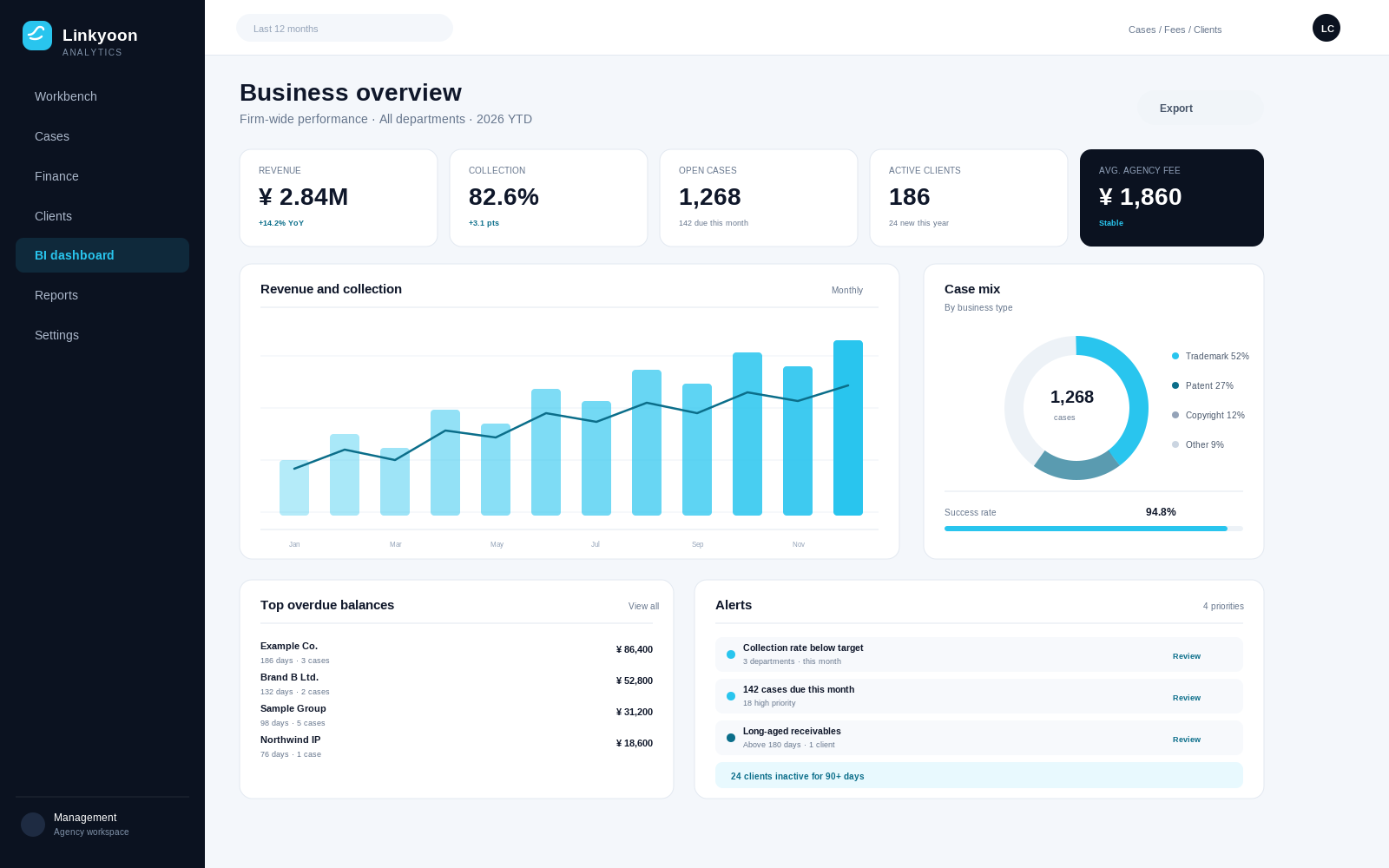
Illustrative interface
Eight modules for everyday enterprise IP management.
Brand keywords, linked trademarks and the brand tree
Notice recognition, status updates, trademark map and warnings
No-setup import, automatic notice filing, email intake, Excel and notice export
Notice-driven case results and multi-field search
Work, software and domain records, tagged evidence and secure download links
Shared and case-specific evidence, deadline reminders and authorization records
Match cases by partner fee standards and analyze spend across dimensions
Multi-condition filtering, charts and export
A repeatable routine that new team members can pick up quickly.
Import applicant trademark data without building tables.
Upload files locally or receive them by email in batches.
Read each notice, update status and archive it.
See the brand tree, warnings and trademark map.
Export Excel, notices or analysis charts.
Common questions about import, recognition and export.
Upload files locally or bring them in by email.
No. Import applicant trademark data directly.
Yes — works, software, domains, evidence and fees.
Yes — custom Excel fields, notices and visual charts.
Need case management for an IP agency? Explore the Linkyoon IP Co-pilot Agency Edition →
Call or email us to learn more about our products.