
Patent process specialists
Process emails arrive with attachments; each one needs logging, assignment and follow-up.
Built for patent process teams: receive mail from a designated inbox, create and assign tasks automatically, track completion and report efficiency.
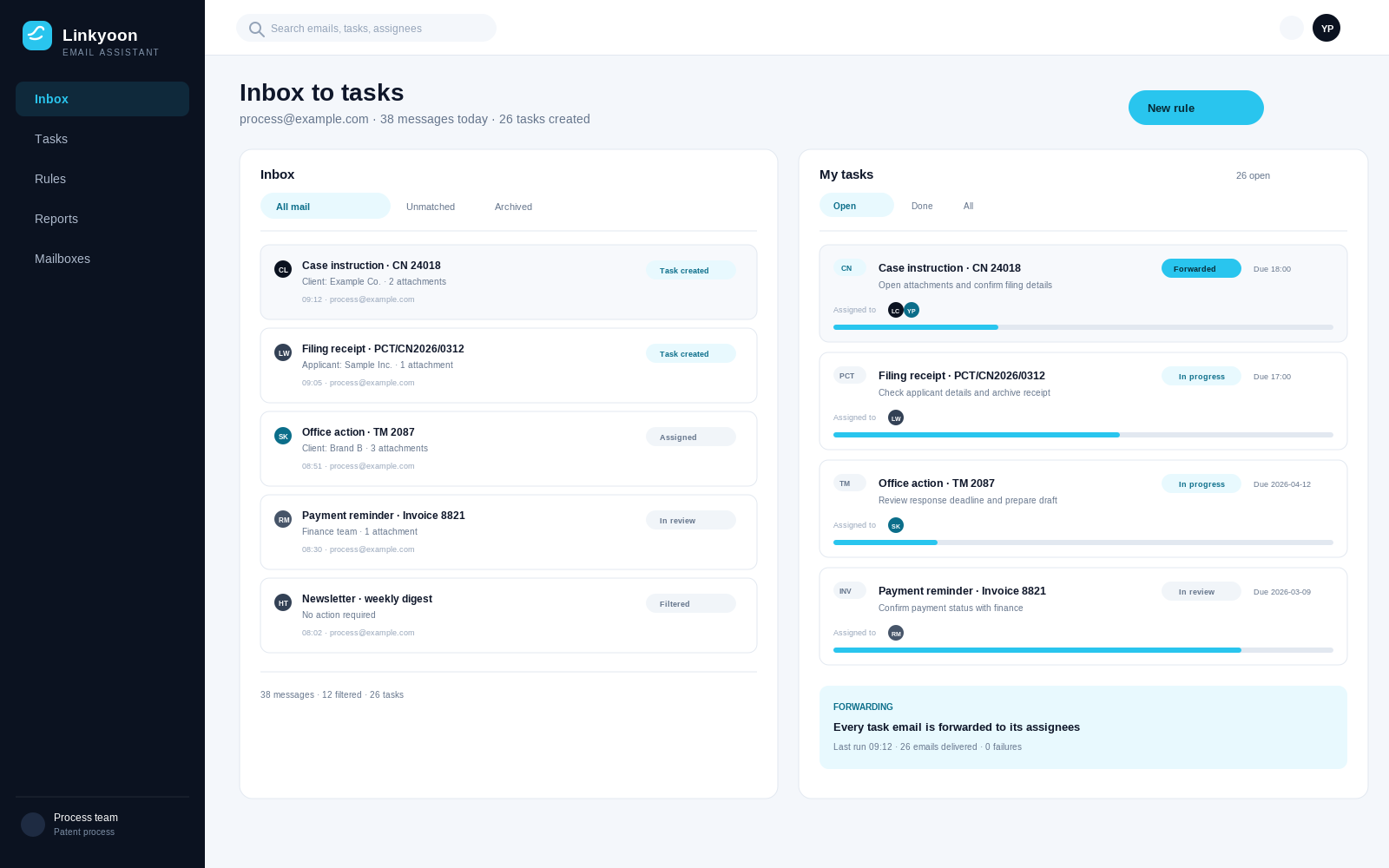
Illustrative interface; actual product may vary.
For patent process specialists, process teams and agency managers.
Process emails arrive with attachments; each one needs logging, assignment and follow-up.
Several people handle the same inbox; assignment and progress need to be visible.
Need to know mail volume, individual throughput and where work is stuck.
Turn “seen” emails into work with an owner, a follow-up and a result.
The inbox mixes notices and correspondence, so every message needs manual triage.
Receive all mail from a designated inbox and filter out messages that do not need a task using preset rules.
The task list contains only the work that needs attention.
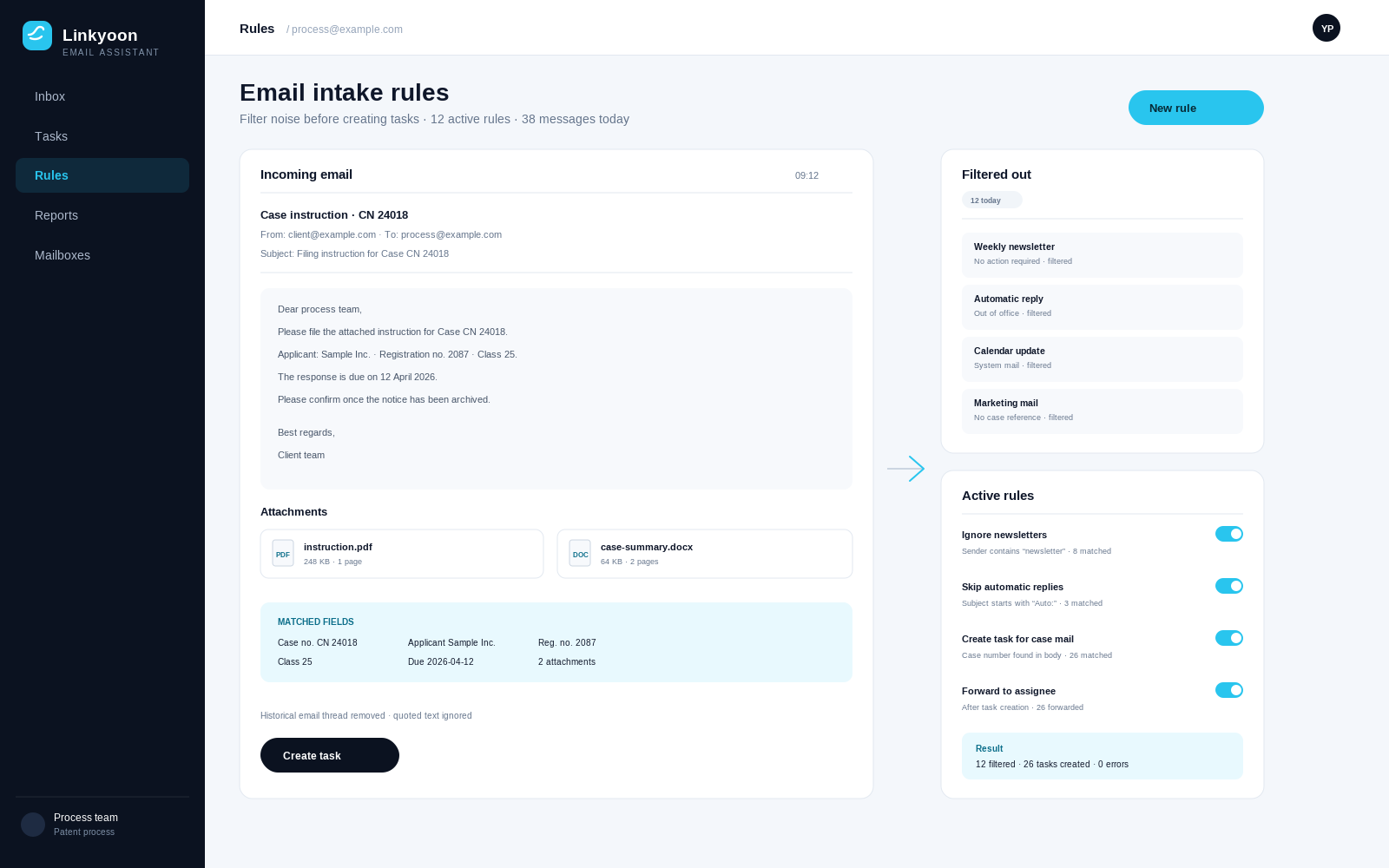
Illustrative interface
Turning emails into tasks by hand makes missed assignments likely.
Create pending tasks from different messages and assign one or more owners.
Every email has an owner.
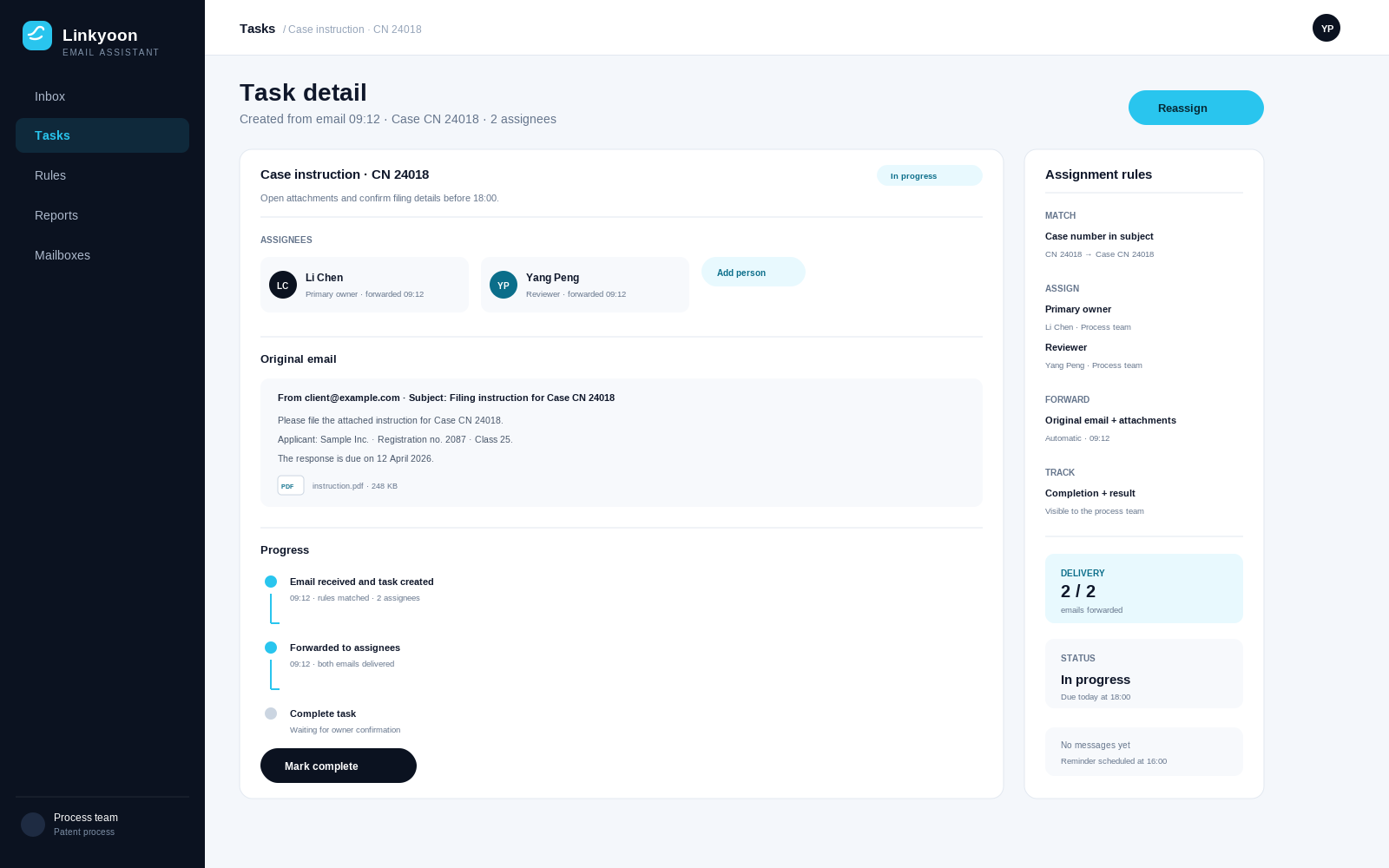
Illustrative interface
Emails must be forwarded to the right person a second time.
Forward each email to its task assignees automatically.
Assignees receive the original email without manual forwarding.
Illustrative interface
Once a task is sent, progress depends on asking around.
Track completion and monitor results to prevent omissions.
Progress is visible and fewer tasks slip through.
Illustrative interface
Email workload and individual efficiency are hard to explain.
Turn email work into tasks and report individual efficiency to diagnose process issues.
Process problems are backed by data, not gut feel.
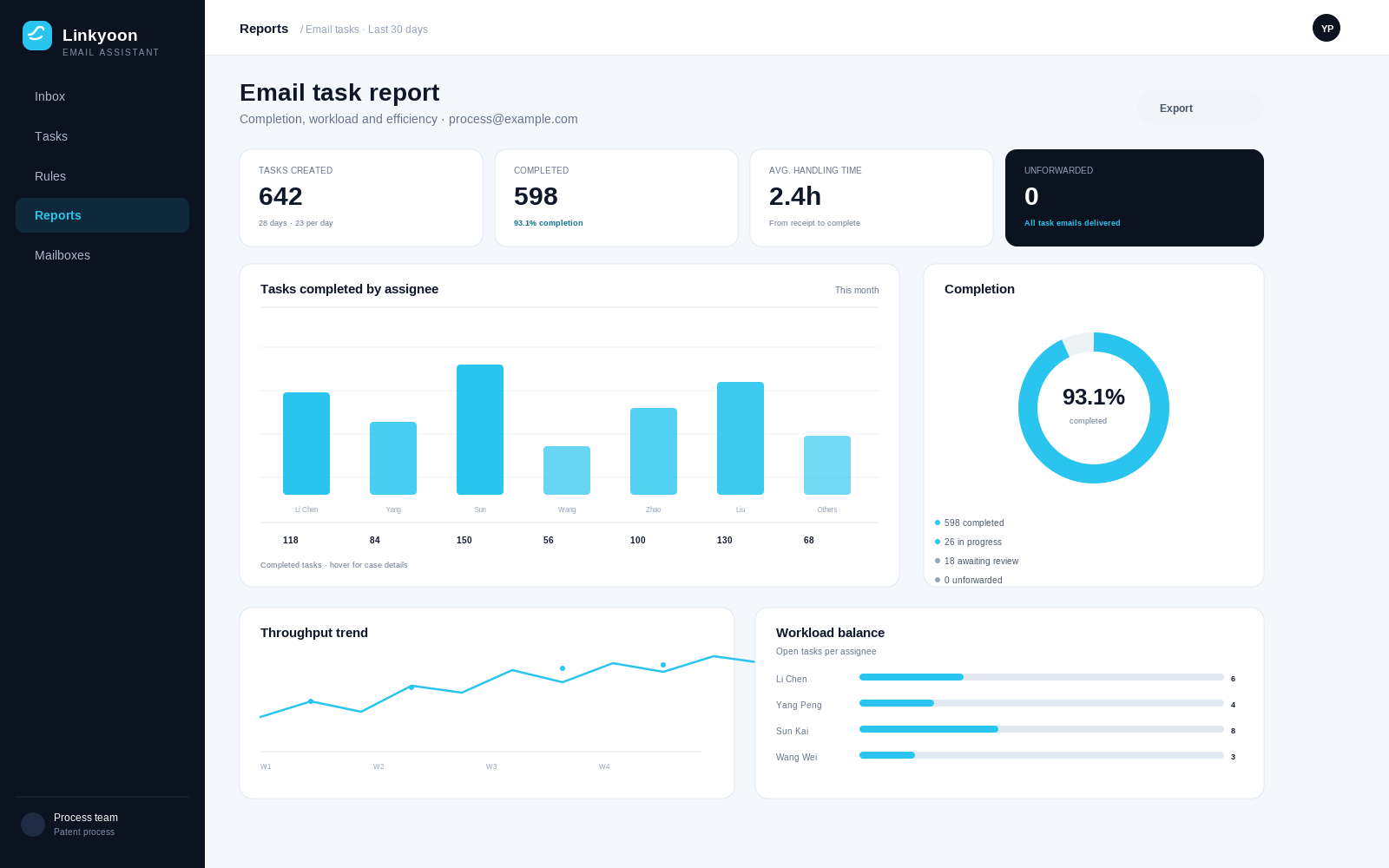
Illustrative interface
Five core functions that connect the mailbox to the task list.
Receive all mail from a designated inbox and filter out messages that do not need a task
Create pending tasks from different messages and assign one or more owners
Forward each email to its task assignees automatically
Track completion and monitor results to prevent omissions
Turn email work into tasks, report individual efficiency and diagnose process issues
Configure the mailbox once; the rules run from there.
Receive all mail from the designated inbox.
Clean out messages that do not need a task.
Create tasks on arrival and assign owners.
Send each email to its task assignees.
Check completion and efficiency in the task list.
Common questions about mail sources, filtering and reporting.
Mostly user instructions received by the process team; the system receives them and turns them into trackable tasks.
No. Filter rules clean out messages that do not need action first.
Yes — assign one or more owners.
Completion status and individual efficiency, to help find process issues.
Run every case from intake through workflow, official notices, finance and business analysis.
Call or email us to learn more about our products.