
Agency leaders
Many cases and long processes; progress and risk are hard to see.
An integrated management system for trademark and IP agencies — connecting clients, workflows, official notices, finance and business analysis around every case.
Illustrative interface; actual product may vary.
Built for agency leaders, process managers and finance leads.
Many cases and long processes; progress and risk are hard to see.
Processes live in experience and verbal handovers, so new staff take time to learn.
Fees, billing requests, payments, reconciliation and invoices sit in different spreadsheets.
Every highlight maps to a real problem, a capability and a result.
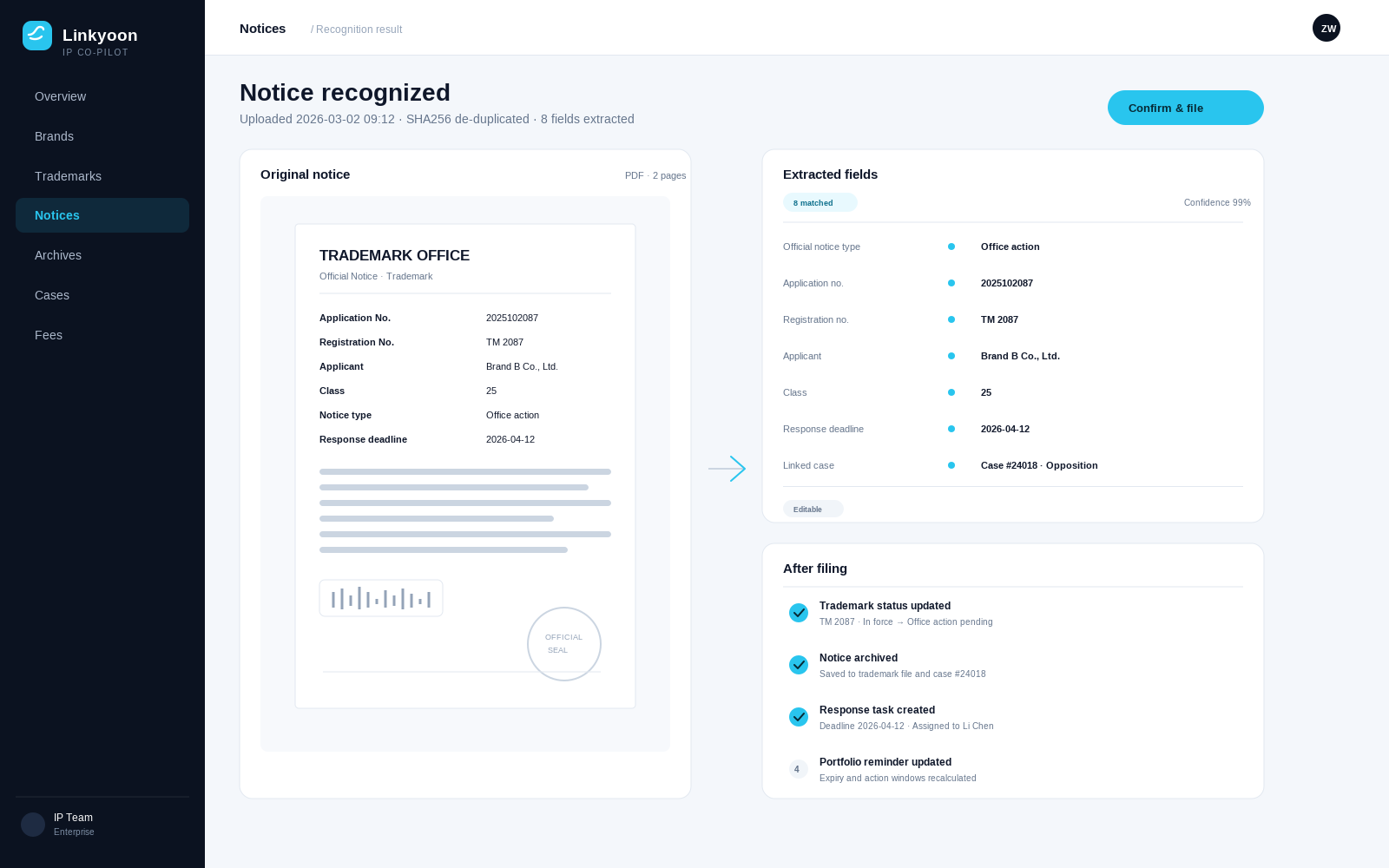
Notices are copied by hand, so application numbers, classes and deadlines are easy to mistype.
OCR reads barcodes, notice type, application and registration numbers, classes, applicant, dates and deadlines; matches the trademark, applicant and case and writes back status; exceptions go to manual review.
Move from “finding the case” to “the document finds the case”, with less entry and fewer errors.
Illustrative interface
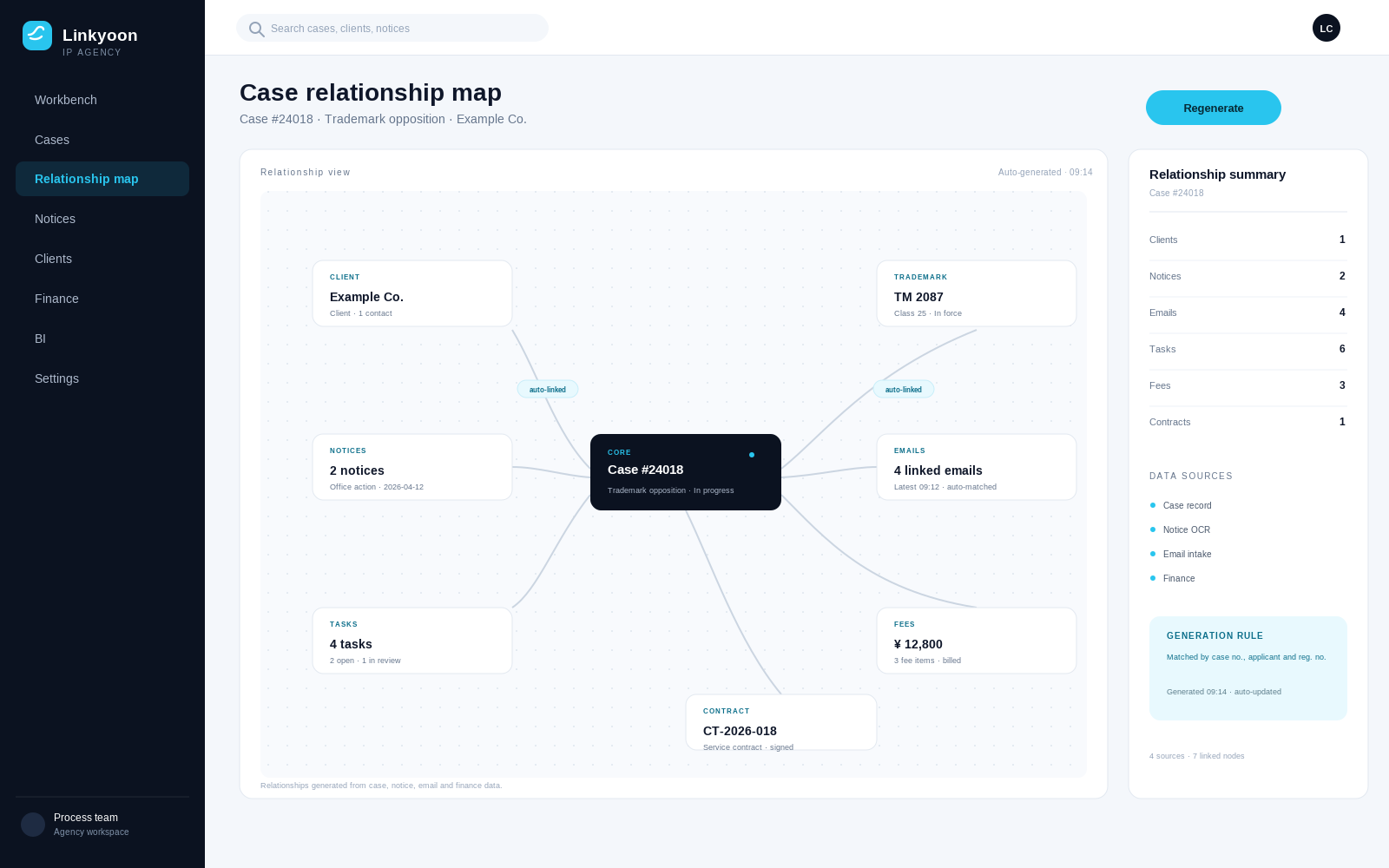
Cases, notices, emails, clients and fees live in separate modules; tracing relationships means switching back and forth.
Matches by case number, applicant and registration number to build a relationship map linking client, case, notices, emails, tasks, contracts and fees.
See the whole case at a glance, with faster handovers, troubleshooting and reviews.
Illustrative interface
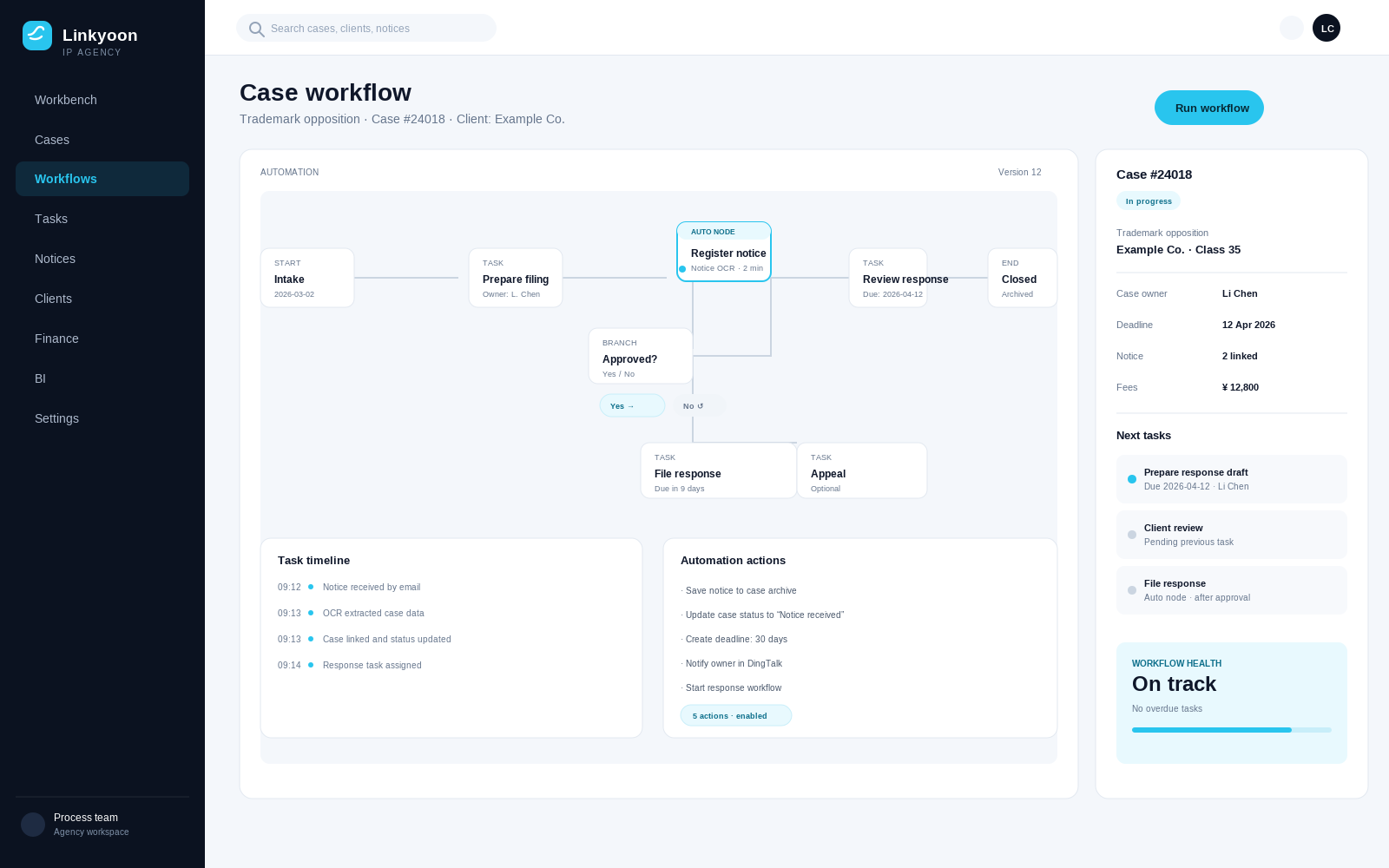
Processes depend on experience and verbal handovers, and changes wait for development.
Visual workflows with conditional branches, parallel paths, returns and sub-processes; configure case, matter, notice and contract workflows.
Standardized processes, faster onboarding and full visibility of progress.
Illustrative interface
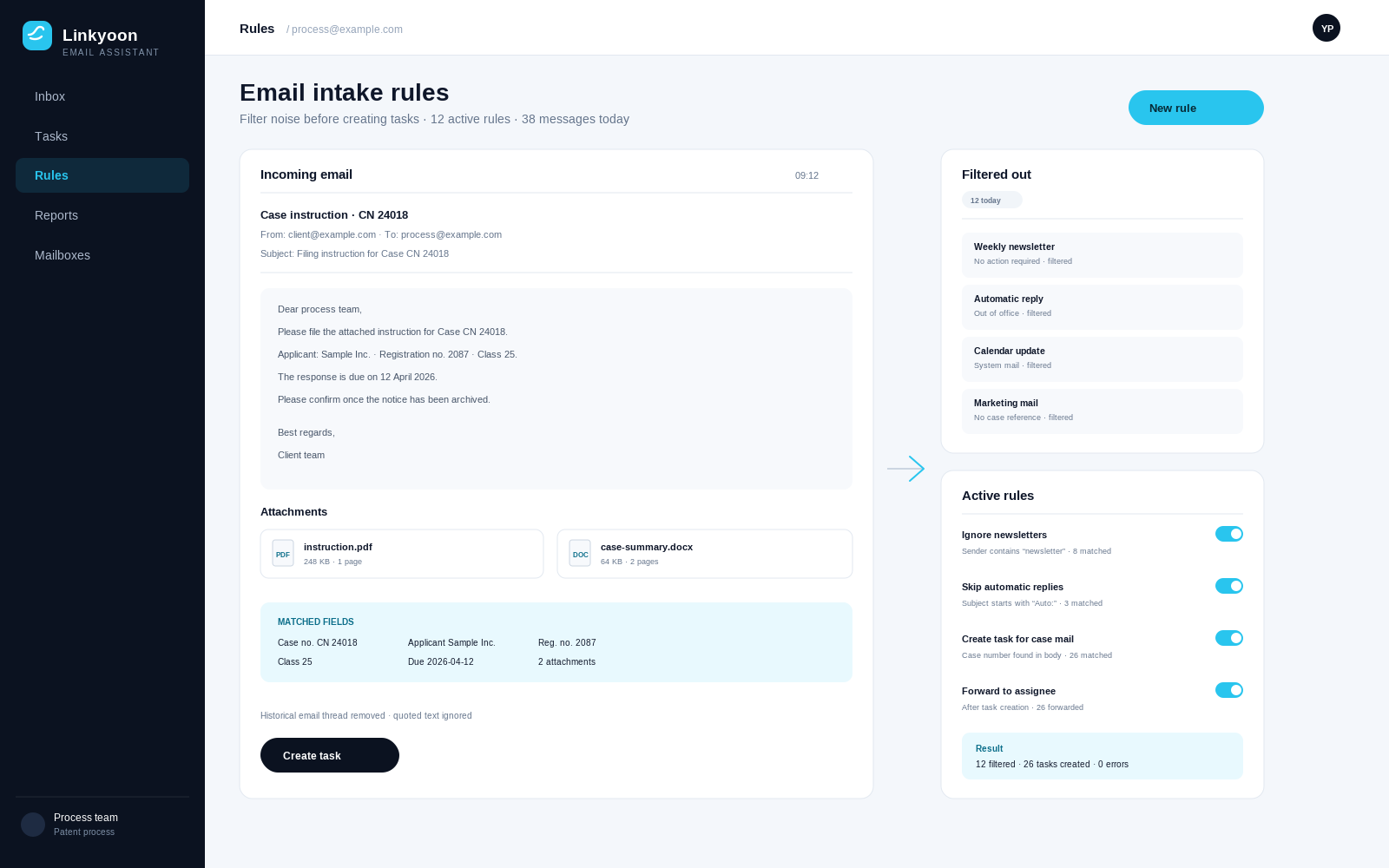
Notice emails and attachments are downloaded, grouped and logged by hand.
Receive mail automatically, read tables or fixed fields, extract case numbers, applicants, registration numbers, classes and notice types with AI; group attachments by case number and link them.
Zero manual steps from mailbox to system, especially for high-volume agencies.
Illustrative interface
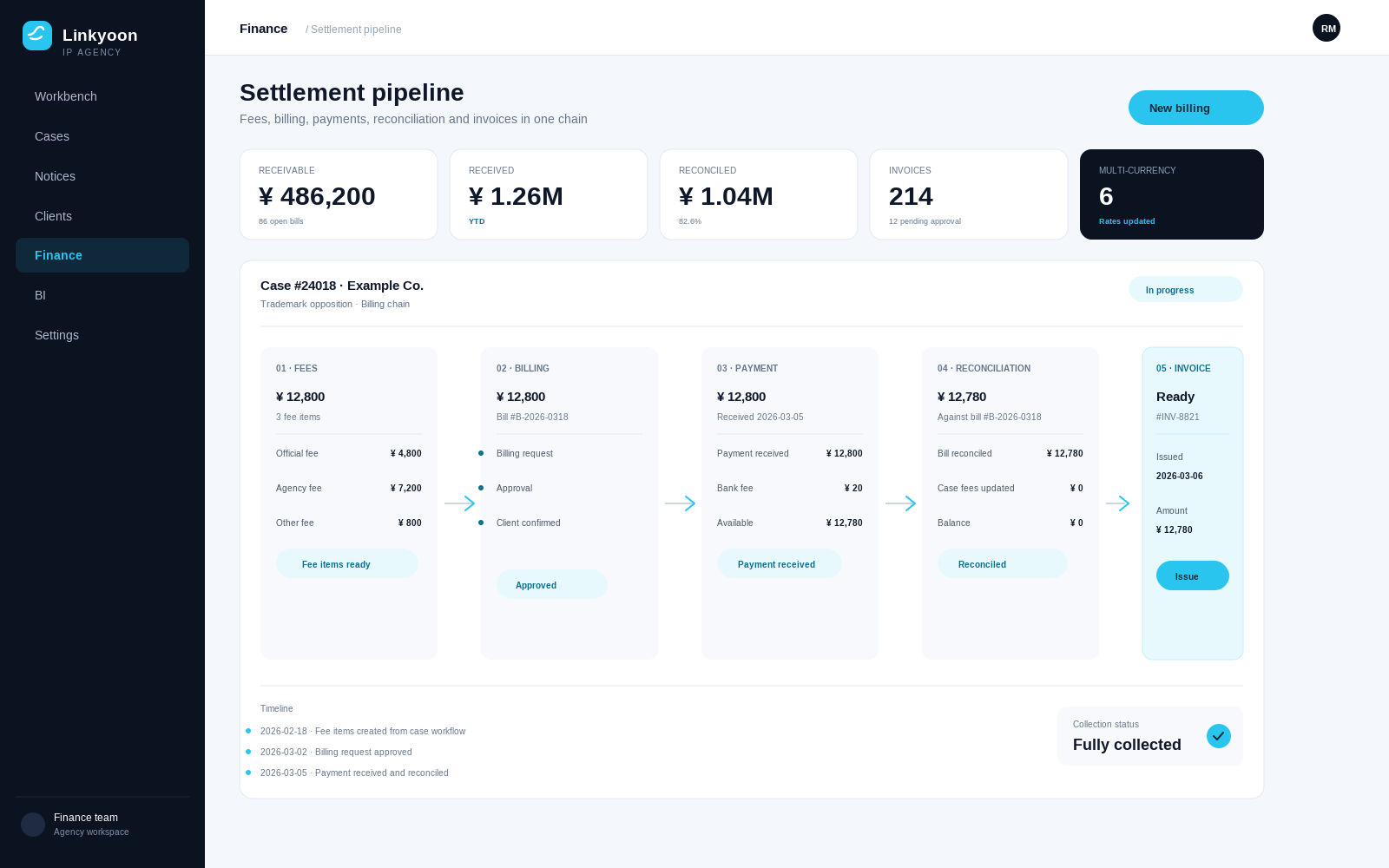
Fees, billing requests, payments, reconciliation and invoices live in different spreadsheets.
Link fees, billing requests, payments, reconciliation, disbursements, instruments and invoices; support multiple currencies, exchange rates and foreign settlements.
Finance and operations work as one chain, with clear collection and reconciliation.
Illustrative interface
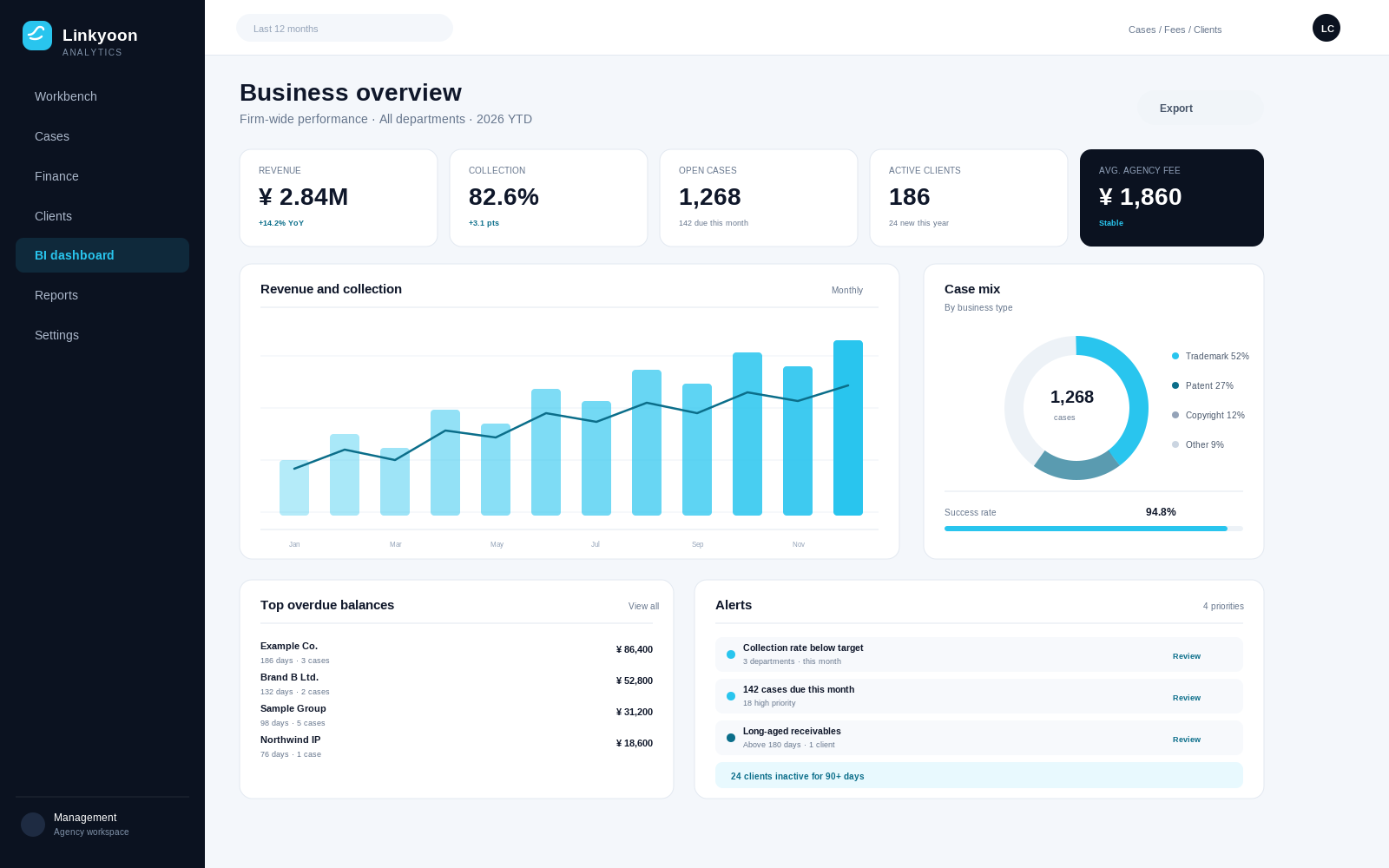
Intake, output, collections and client activity rely on gut feel.
Charts and alerts across cases, fees and clients, with multi-dimensional filters and scoped permissions.
Management spots low collection, backlogs, aged balances and dormant clients earlier.
Illustrative interface
Twelve modules covering the agency’s core operations.
Personal and department workbenches, case assignment and DingTalk alerts
Intake, case details, templates, bulk actions, case lists and relationship maps
Visual workflows, automatic nodes, task center and deadline monitoring
Bulk upload, OCR, automatic linking, email intake and exception review
Client 360, applicant records, partner firms and foreign filing tools
Fees, billing, receipts, reconciliation, disbursements and invoices
Contract records, files, client links, workflows and billing links
Trademark database, import, Nice classification search and sync
Template documents, Excel exports and archive exports
Case, fee and client analysis, alerts and multi-dimensional filters
Laws, statuses, countries, courts, fees, templates and workflows
Organization permissions, multi-tenant, audit logs and DingTalk, storage, OCR and AI integrations
Every step stays on the same case thread.
Create the client and case, and link applicants and contracts.
Open the case by type and apply a case template.
Start the workflow and generate tasks and deadlines.
Upload or receive notices, recognize them and link them to cases.
Billing, receipts, reconciliation and invoicing.
Review cases, fees and clients in the dashboard.
Common questions about workflows, notices, scope and integrations.
No. Configure it visually and run it as drawn.
Pending, exception and email-pending views support manual review; AI assists with uncommon notices.
Trademark, patent, copyright, domain, litigation and other IP services, including domestic, foreign, Madrid and related case directions.
Each organization uses an isolated database, with role- and data-scoped permissions.
Yes — DingTalk sign-in, role sync and message alerts.
Every process email gets an owner, a follow-up and a result.
Call or email us to learn more about our products.